Backup On-Demand
Storage List
To perform an on-demand backup, go to the instances tab under the Storage Providers section.
You can click on the  icon to back up a single storage instance
 (1) (1) (1) (1)-cd647ff75334b36baafbc438a7684d9c.png)
Or select multiple instances and click on the  icon to back them up.

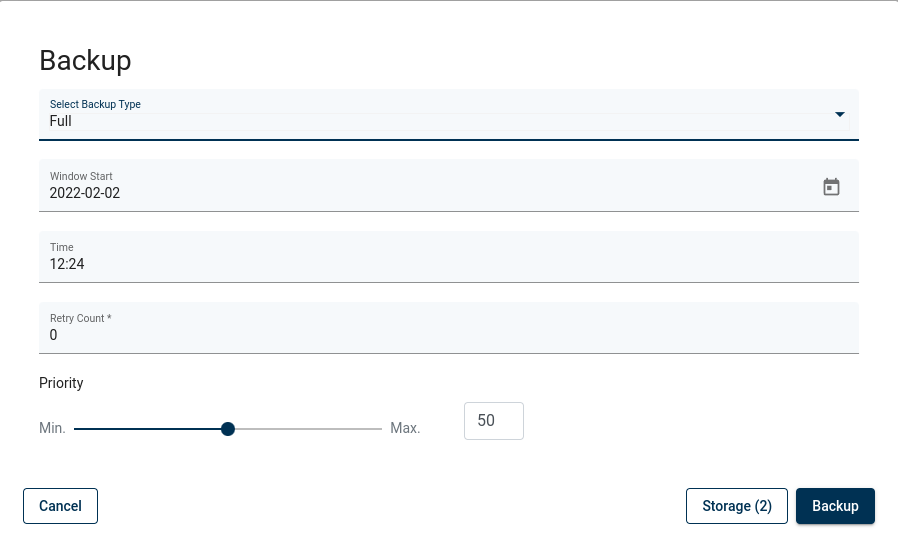
Finally select the backup type, backup destination, when a task should start, the priority, and click on the backup button.
Note.
You can also perform the same action thanks to the CLI interface: CLI Reference.