Execution Configurations
Using this tab, you can create a command execution configuration, i.e. commands executed for the proper backup of your application (or directed to the script file).
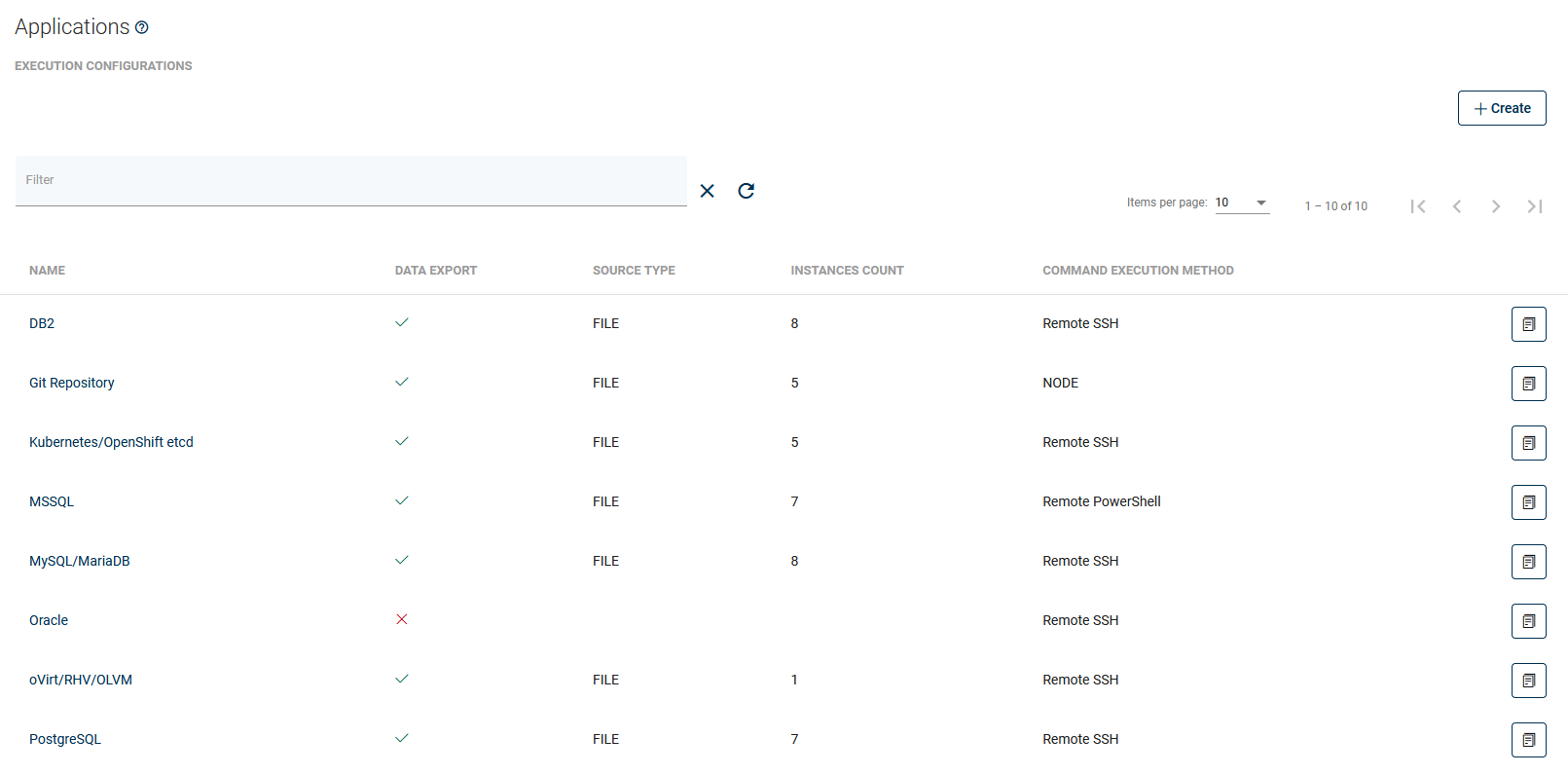
- Prepare the script or commands, and (if remote SSH execution is required) put them on the remote machine with your application.
- In the Applications section, create a new Command Execution Configuration.
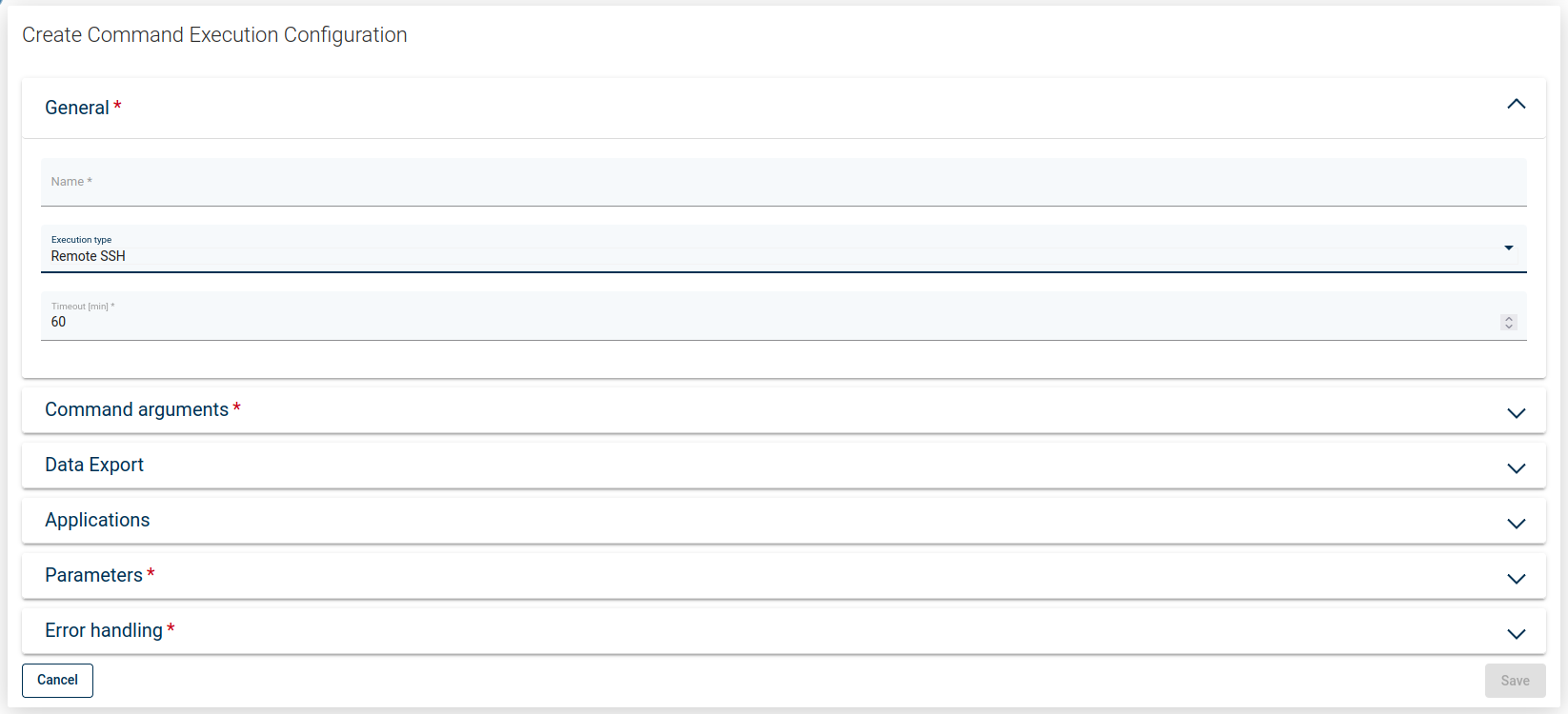
This is a description of how your script is going to be invoked - you need to specify:
- Execution Type - either on the Node or a command to be executed remotely.
- Timeout - for script/command execution - make sure to have this timeout set to a value high enough to allow your command to complete its execution.
- Command arguments (the first one is the actual executable) - all arguments should be provided separately - DPX vPlus assumes that they can contain spaces.
- Data export - this switch allows you to export (or not) data that will be generated by the command (sometimes you may want DPX vPlus just to execute commands without transferring anything).
- Source type (if you export data)
- FILE - select if your command produces a single file/directory (or multiple files) - if you provide a directory or path with wildcards, DPX vPlus will create a TAR archive - you have to specify the Source Path for this source type.
- STREAM - select if your command generates backup to the standard output.
- Select existing Applications (or skip this for now - it can be assigned later).
- You can define the Parameters that you'll later be able to use in your commands/scripts. Note that the variable name should not contain white-space characters.**
- Error handling - you can decide what do you want to do with errors in your output stream