Kubernetes
DPX vPlus Node preparation
DPX vPlus Node requires kubectl installed (you have to add Kubernetes repository to install kubectl) and kubeconfig with valid certificates (placed in /home/user/.kube) to connect to the Kubernetes cluster.
- Check if your kubeconfig looks the same as below.
Example:
   current-context: admin-cluster.local
   kind: Config
   preferences: {}
   users:
   - name: admin-cluster.local
     user:
       client-certificate-data: <REDACTED>
       client-key-data: <REDACTED>
- Copy configs to DPX vPlus Node. (Skip this and point 2 if you don't use Minikube)
- If you use Minikube, you can copy the following files to DPX vPlus:
sudo cp /home/user/.kube/config /opt/vprotect/.kube/config sudo cp /home/user/.minikube/{ca.crt,client.crt,client.key} /opt/vprotect/.kube
- If you use Minikube, you can copy the following files to DPX vPlus:
- Modify the paths in
configso they point to/opt/vprotect/.kubeinstead of/home/user/.minikube. Example:
- name: minikube
  user:
    client-certificate: /opt/vprotect/.kube/client.crt
    client-key: /opt/vprotect/.kube/client.key
- Afterward, give permissions to the
vprotectuser:
chown -R vprotect:vprotect /opt/vprotect/.kube
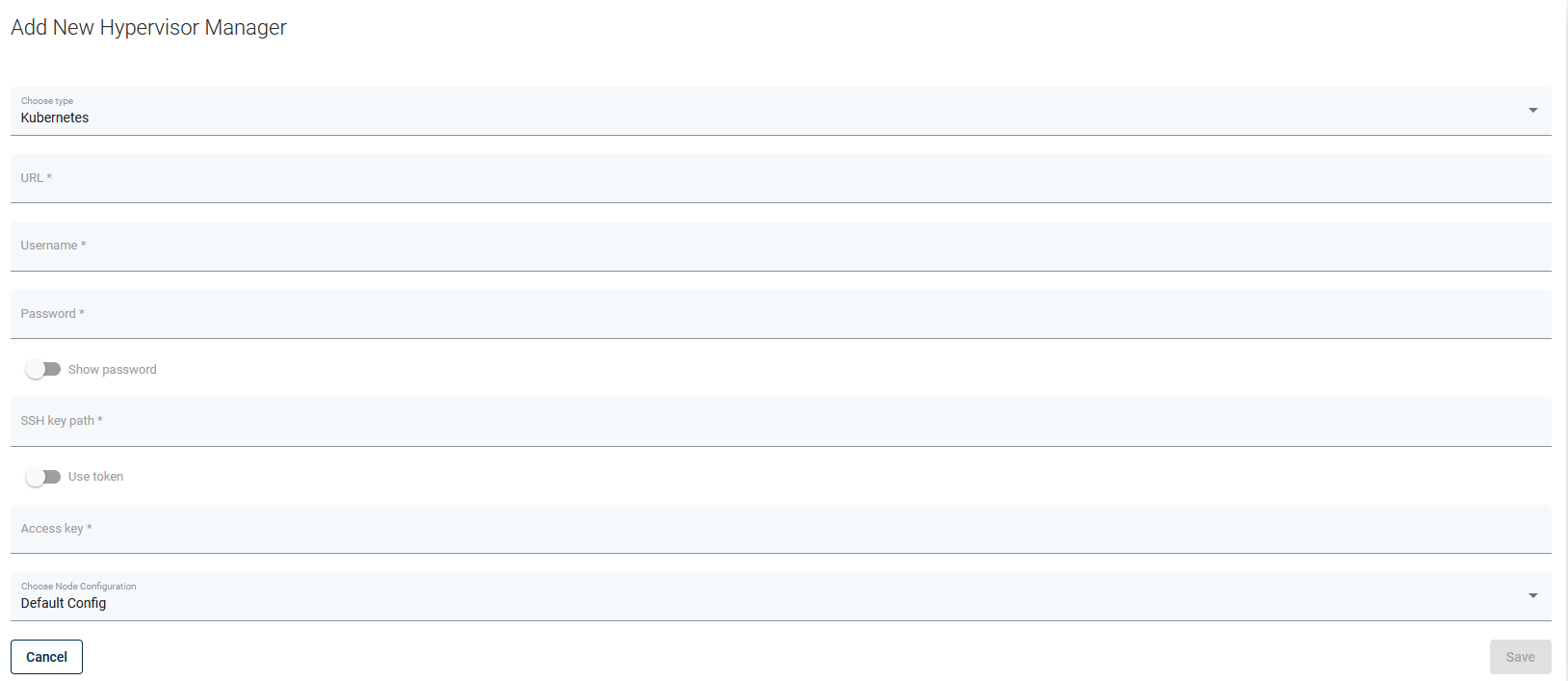
Kubernetes Nodes should appear in DPX vPlus after indexing the cluster.
Note: Please provide the URL to the web console and SSH credentials to the master node when creating the OpenShift hypervisor manager in DPX vPlus WebUI. You can also use SSH public key authentication. This is needed for DPX vPlus to have access to your cluster deployments.
Note: Valid SSH admin credentials should be provided for every Kubernetes node by the user (called Hypervisor in the DPX vPlus WebUI). If DPX vPlus is unable to execute docker commands on the Kubernetes node, it means that it is logged as a user lacking admin privileges. Make sure you added your user to sudo/wheel group ( so it can execute commands with sudo).
Note: If you want to use Ceph you must provide ceph keyring and configuration. Ceph requires ceph-common and rbd-nbd packages installed.
Persistent volumes restore/backup
There are two ways of restoring the volume content.
- The user should deploy an automatic provisioner which will create persistent volumes dynamically. If Helm is installed, the setup is quick and easy https://github.com/helm/charts/tree/master/stable/nfs-server-provisioner.
- The user should manually create a pool of volumes. DPX vPlus will pick one of the available volumes with proper storage class to restore the content.
Limitations
- currently, we support only backups of Deployments/DeploymentConfigs (persistent volumes and metadata)
- all deployment's pods will be paused during the backup operation - this is required to achieve consistent backup data
- for a successful backup, every object used by the Deployment/DeploymentConfig should have an
applabel assigned appropriately - a storage class must be defined in the Kubernetes environment for backup and restore operations to function properly